Managing supplier communication across time zones is mainly a planning problem. Buyers and suppliers need a shared record of decisions, clear owners, response expectations, and a small number of predictable overlap windows. Use local time-zone names for every deadline, send structured updates asynchronously, and reserve live meetings for decisions that benefit from discussion. These habits reduce waiting and prevent an unanswered message from being mistaken for approval.
Key takeaways
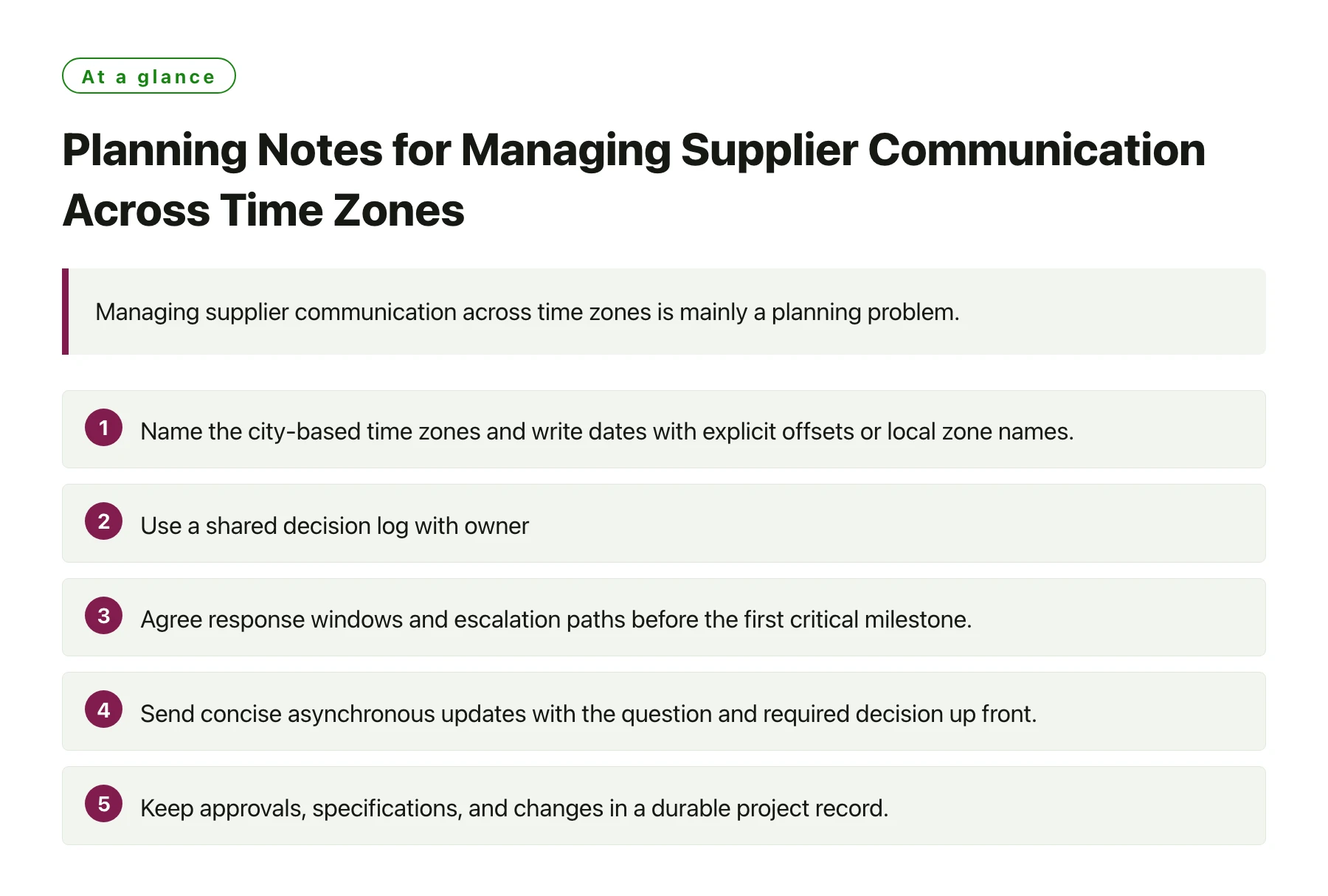
- Name the city-based time zones and write dates with explicit offsets or local zone names.
- Use a shared decision log with owner, due date, status, and next action.
- Agree response windows and escalation paths before the first critical milestone.
- Send concise asynchronous updates with the question and required decision up front.
- Keep approvals, specifications, and changes in a durable project record.
A communication plan should match the project’s decision risks, supplier roles, and production calendar. It does not require every participant to be online at the same hour.
1. Map the working day before setting deadlines
List each project participant, role, location, normal working hours, preferred contact channel, and substitute contact. Confirm local holidays, shift patterns, factory shutdowns, and planned leave with the supplier instead of assuming a standard office calendar. Record whether an urgent production, quality, or shipping issue has a separate contact route. The map helps buyers see where a response can realistically happen and who can make the decision.
Use a time-zone identifier tied to a place, such as Asia/Shanghai or America/Los_Angeles, when scheduling future work. A numeric offset alone can be ambiguous across seasons, and short abbreviations may be interpreted differently. IANA maintains a time-zone database that is periodically updated when political authorities change boundaries or daylight-saving rules; verify future meeting times against a current calendar or time-zone tool. [1]
2. Establish overlap windows and response targets
Choose one or two recurring windows that are workable for both sides and reserve them for conversations that need immediate back-and-forth. Rotate inconvenient meeting times when a project spans several regions, or hold separate short sessions for different workstreams. Publish the windows in the project calendar with the time zone in the event title and an agenda in the invitation.
Set practical response targets by message type. A routine status update might be acknowledged by the next agreed business day, while a shipment hold or safety concern may need an immediate phone or messaging escalation. Define what counts as urgent, which channel to use, and how long to wait before contacting the backup. Targets are coordination rules, not a promise that a person will always be online.
3. Make asynchronous messages decision-ready
Put the requested action in the first lines: what decision is needed, who should decide, and by what local date and time. Add the relevant purchase order, product code, drawing revision, batch, or shipment reference. Attach the smallest useful set of evidence, such as a marked photograph, measurement sheet, inspection result, or comparison table. A recipient should be able to understand the issue without searching several chat threads.
Separate confirmed facts, open questions, and recommendations. Use numbered questions when several approvals are needed and state the consequence of each option. For example, explain whether choosing a finish changes price, sample timing, packing, or the delivery date. If the supplier needs clarification, name one person who can answer and provide the context they need. This reduces messages that simply ask for more information and then wait another full time-zone cycle.
4. Keep one authoritative project record
After a call or chat decision, record the outcome in a shared decision log or approved project system. Include the date and time zone, participants, decision, evidence reviewed, owner, due date, and any condition still open. Link the related specification, sample approval, inspection report, purchase order, or change request. Email can notify people that the record changed, but the source of truth should remain identifiable.
Use consistent file names and revision labels. A supplier should not have to guess whether a marked drawing is current or whether a message superseded an approved sample. Archive replaced versions and mark them clearly. Where access is limited, agree who distributes the approved copy and how the factory confirms receipt. Keep commercial, technical, and quality approvals distinguishable so one acknowledgment is not read as sign-off on every issue.
5. Match cadence to project risk
Set a regular status cadence for routine work and shorter checkpoints around sample approval, production start, inspection, booking, and shipment release. Each update can follow the same template: completed since last report, next milestone, risks or blockers, decisions required, responsible person, and expected response date. A stable format makes changes visible without requiring a long narrative every time.
Increase contact frequency when a milestone is at risk, a specification changes, defects appear, or evidence is incomplete. Use a short issue call when written exchange is not resolving a disagreement, then document the disposition. For low-risk routine updates, asynchronous communication may be enough. Avoid filling calendars with meetings that repeat information already available in the record; meetings should resolve a defined question or coordinate interdependent work.
6. Create handoffs that survive the time gap
At the end of each working period, send a handoff that identifies what changed, what remains open, and the next expected action. Include status and evidence links rather than writing “please follow up.” If a decision is pending, state who owns it and whether production or shipment may proceed while it is unresolved. This allows the other team to begin its day with a usable queue.
Use explicit hold and release language for critical quality or compliance issues. For example, specify the affected product, lot, operation, or shipment and the condition required to resume. Do not rely on a vague chat reaction as authorization. Confirm that the person approving has the appropriate role and that the instruction reached the supplier contact responsible for execution. Keep a time-stamped record of the final disposition.
7. Choose channels and escalation routes deliberately
Use email or a project platform for specifications, approvals, quotations, and records that must be searchable. Use chat for quick coordination, but move consequential decisions back into the authoritative record. Use phone or a live call for time-critical issues or complex discussion, then summarize the outcome in writing. The channel should fit urgency, complexity, confidentiality, and the need for traceability.
Publish an escalation ladder with primary and backup contacts for procurement, engineering, quality, and logistics. Set a threshold for escalation, such as a missed response that threatens a milestone or a defect that could affect other lots. Include local contact hours and an after-hours route only when one has been agreed. Escalation should identify the decision required and time available, not just forward a long message chain.
8. Review and improve the plan
After the first few milestones, ask both teams which messages caused delay, which decisions were hard to locate, and whether response windows were realistic. Track practical measures such as unanswered critical questions, approval cycle time, missed handoffs, repeated requests for the same document, and changes communicated too late. Use the findings to adjust the calendar, templates, or ownership map.
When the team or supplier changes, update access, contacts, decision rights, and backup coverage. Reconfirm the local time-zone rules before scheduling future dates that cross a seasonal clock change or policy update. Buyers coordinating through js-sourcing.com can use a shared communication matrix to keep the supplier, project owner, and quality reviewer aligned on the next action.
Sources
Frequently asked questions
Should every supplier meeting use the same time?
Use a predictable overlap window for recurring decisions when it is workable, but rotate inconvenient hours when a project spans regions. Confirm the time zone in the invitation and check future dates against current local rules.
What should a supplier status update include?
Summarize completed work, the next milestone, current blockers, decisions needed, an owner for each action, and a due date with its time zone. Link the relevant product, order, drawing, or evidence record.
How should an urgent production issue be escalated?
Use the agreed urgent channel and contact the named primary or backup owner. Identify the affected item or lot, immediate risk, decision needed, and deadline, then record the final hold or release instruction.
Can chat messages serve as formal approval?
Only if the project’s approval process explicitly accepts that channel and captures the approver, scope, revision, and date. Otherwise, transfer the decision to the designated record before work proceeds.